

Isometric drawing
- Intermediate
- Module 6 of 7 in this level
- Open to learn
Watchदेखें
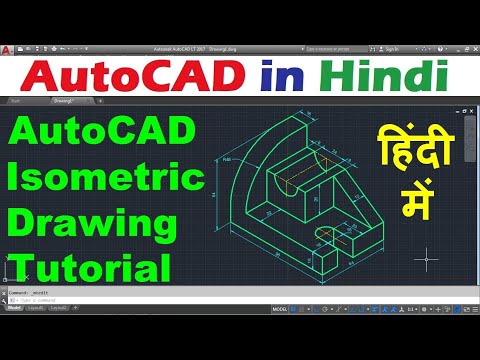
AutoCAD Isometric Drawing Tutorial in Hindi
- AutoCAD in Hindi
- Hindi
- 18 min
 17:46AutoCAD in Hindi
What you should understandआपको क्या समझना है?
- Isometric drafting shows three faces of an object using 30-degree axes.
- Turn on isometric drafting and switch planes with F5 while drawing.
- Use the Isocircle option of ELLIPSE to draw circles on isometric faces.
Watch the video to unlock this stepइस step को खोलने के लिए video देखें
About this videoइस video के बारे में
About the teacher: AutoCAD in HindiTeacher के बारे में: AutoCAD in Hindi
AutoCAD in Hindi: AutoCAD and SolidWorks software introductions.
Hindi tutorials demonstrating introductory CAD learning topics. Suits: Engineering students, drafting beginners and CAD learners.
AutoCAD in Hindi के videos YUNOVA पर AutoCAD, Docker & Kubernetes, SolidWorks सीखने में शामिल हैं।
All YUNOVA topics taught by AutoCAD in Hindiइस teacher के सभी YUNOVA topics देखेंLearners' questions on this topicइस topic पर learners के सवाल
Sign in to read the community's questions or ask yours.Community के सवाल पढ़ने या अपना सवाल पूछने के लिए sign in करें।
Sign in