

Canva apps aur integrations kaise use karein
- Advanced
- Module 2 of 4 in this level
- Open to learn
Watchदेखें
Learn How To Use Canva 2026 - 27 | Canva Full Course For Beginners | Learn Canva Designing In Hindi
- Digital Marketing Guruji
- Hindi
- 31 min
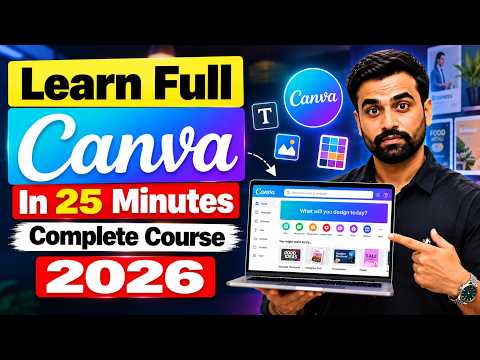 31:06Digital Marketing Guruji
What you should understandआपको क्या समझना है?
- Apps section में Canva के अंदर चलने वाले अतिरिक्त tool मिलते हैं।
- Google Drive या Dropbox जोड़कर वहाँ की फ़ाइलें सीधे design में लाई जा सकती हैं।
- Design को सीधे social media पर schedule या publish भी किया जा सकता है।
Watch the video to unlock this stepइस step को खोलने के लिए video देखें
About this videoइस video के बारे में
About the teacher: Digital Marketing GurujiTeacher के बारे में: Digital Marketing Guruji
Digital Marketing Guruji: SEO, freelancing and online marketplace selling through Flipkart and Meesho.
Hindi introductory guides and roadmap-style explanations. Suits: Beginners interested in marketing, freelancing and online selling.
Digital Marketing Guruji के videos YUNOVA पर Affiliate Marketing, Amazon Selling, Blogging आदि सीखने में शामिल हैं।
All YUNOVA topics taught by Digital Marketing Gurujiइस teacher के सभी YUNOVA topics देखेंLearners' questions on this topicइस topic पर learners के सवाल
Sign in to read the community's questions or ask yours.Community के सवाल पढ़ने या अपना सवाल पूछने के लिए sign in करें।
Sign in