

Co-authoring and comments in PowerPoint
- Advanced
- Module 14 of 14 in this level
- Open to learn
Watchदेखें
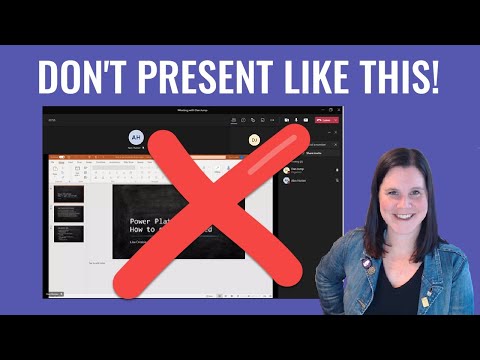
Microsoft Teams में PowerPoint कैसे प्रस्तुत करें: प्रस्तुत करते समय नोट्स, स्लाइड और ऑडियंस देखें।
- Lisa Crosbie
- English
- 5 min
 4:48Lisa Crosbie
What you should understandआपको क्या समझना है?
- Files saved in OneDrive or SharePoint can be edited together.
- Comments let reviewers give feedback on slides.
- Version history restores earlier versions.
Watch the video to unlock this stepइस step को खोलने के लिए video देखें
About this videoइस video के बारे में
About the teacher: Lisa CrosbieTeacher के बारे में: Lisa Crosbie
Lisa Crosbie: Microsoft Power Platform and business applications, including Power Apps and Power Automate.
The listed lesson is marked Hindi and introduces Power Platform concepts. Suits: Business analysts, automation beginners and Microsoft Power Platform learners.
Lisa Crosbie के videos YUNOVA पर Microsoft Power Platform, PowerPoint सीखने में शामिल हैं।
All YUNOVA topics taught by Lisa Crosbieइस teacher के सभी YUNOVA topics देखेंLearners' questions on this topicइस topic पर learners के सवाल
Sign in to read the community's questions or ask yours.Community के सवाल पढ़ने या अपना सवाल पूछने के लिए sign in करें।
Sign in